Type your menu
Add your dishes, photos and prices in the free builder.
 HundteC Product · Café POS
Kiosk, till and kitchen screen, with your own ordering website.
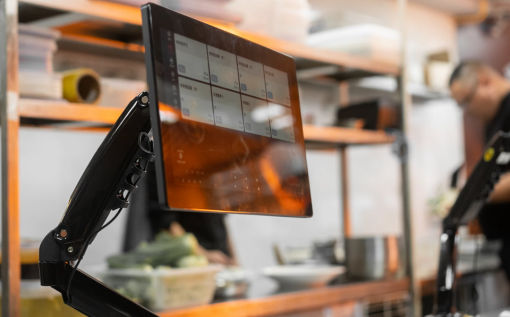
A self-service kiosk guests can talk to, a till for your staff and a kitchen screen for the cooks, on iPad, iPhone or any Android tablet, paired to your restaurant in one minute.


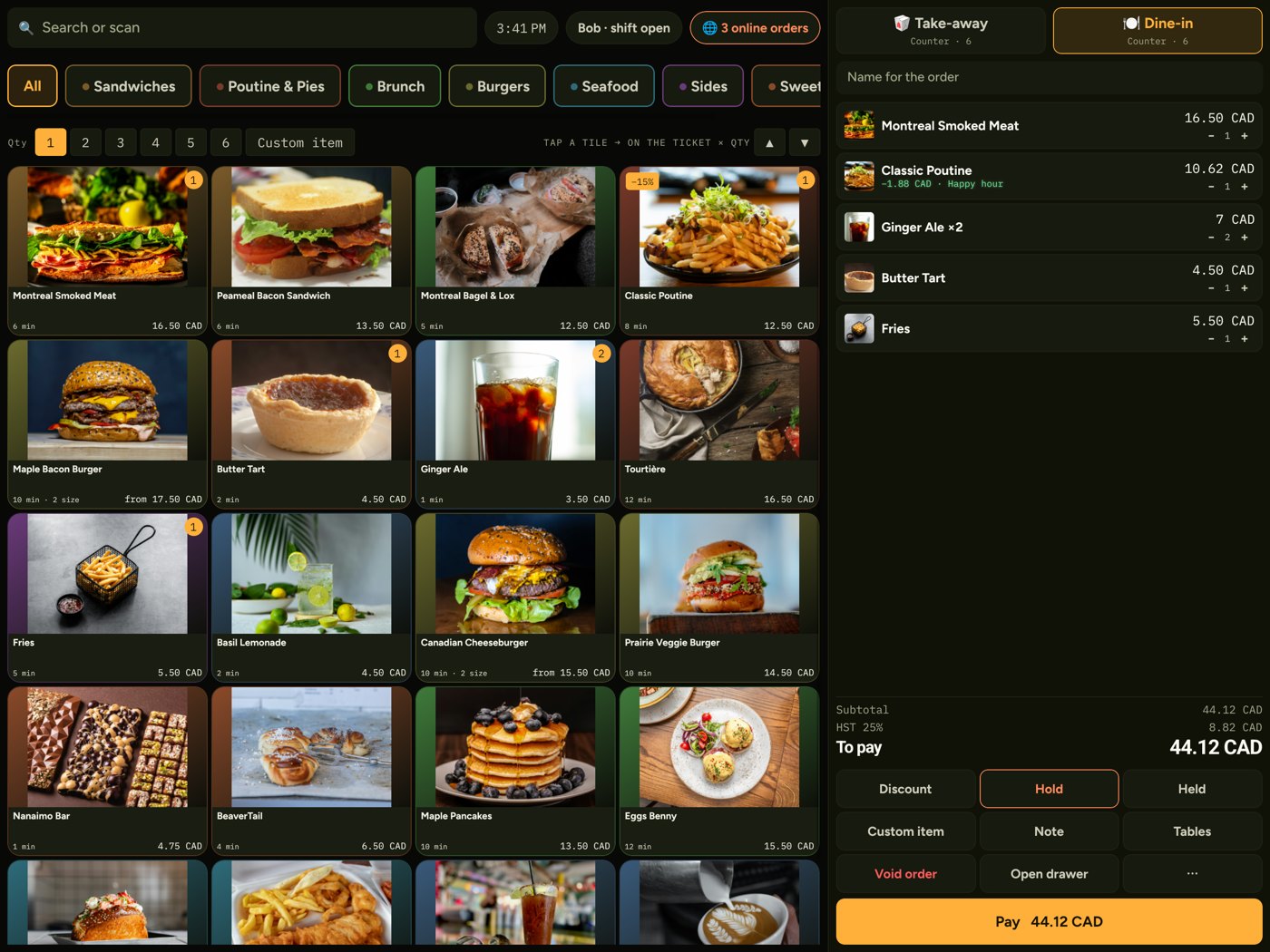
A free website, online orders straight to your till, daily social media posts, and the till, kiosk and kitchen screen in one app.
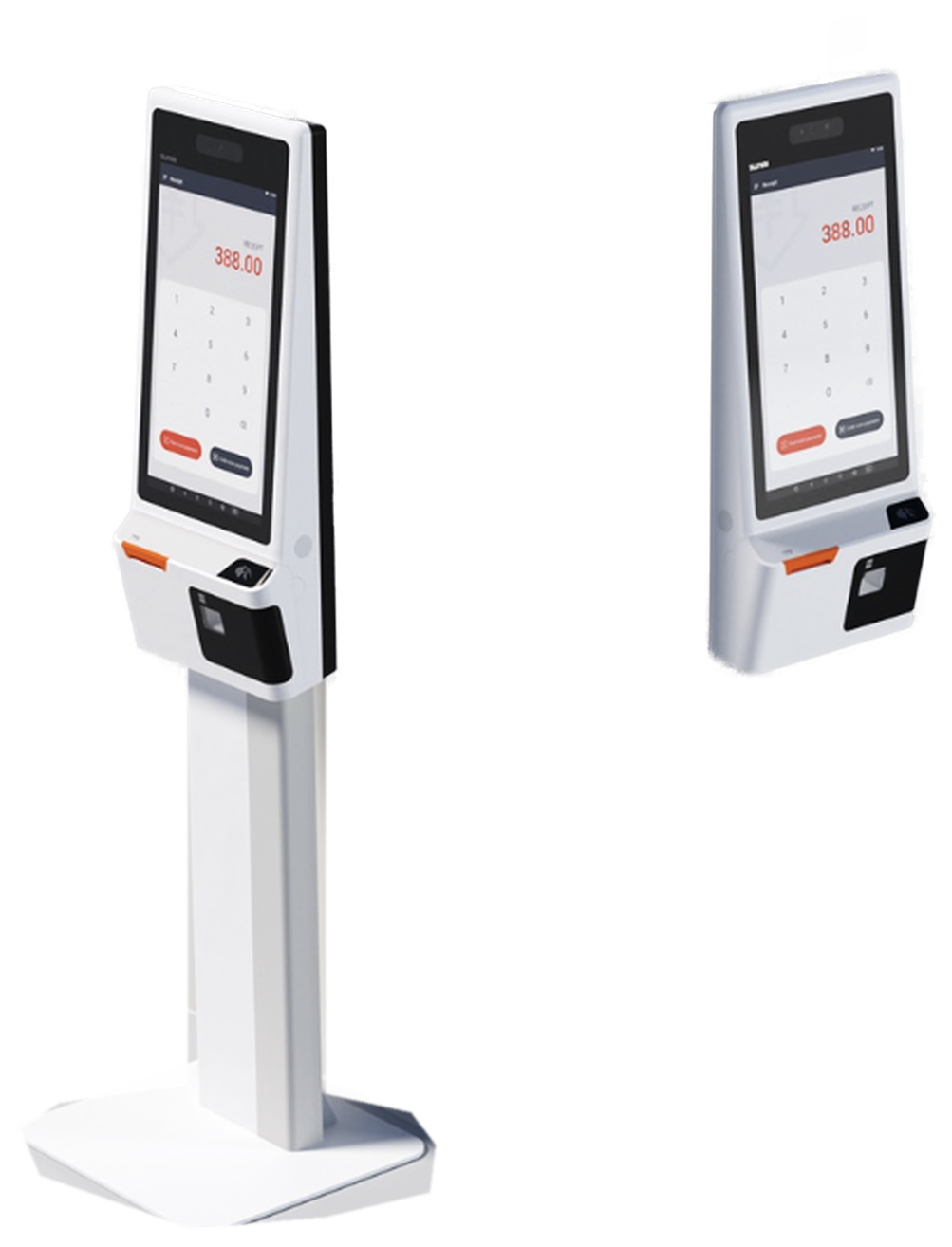
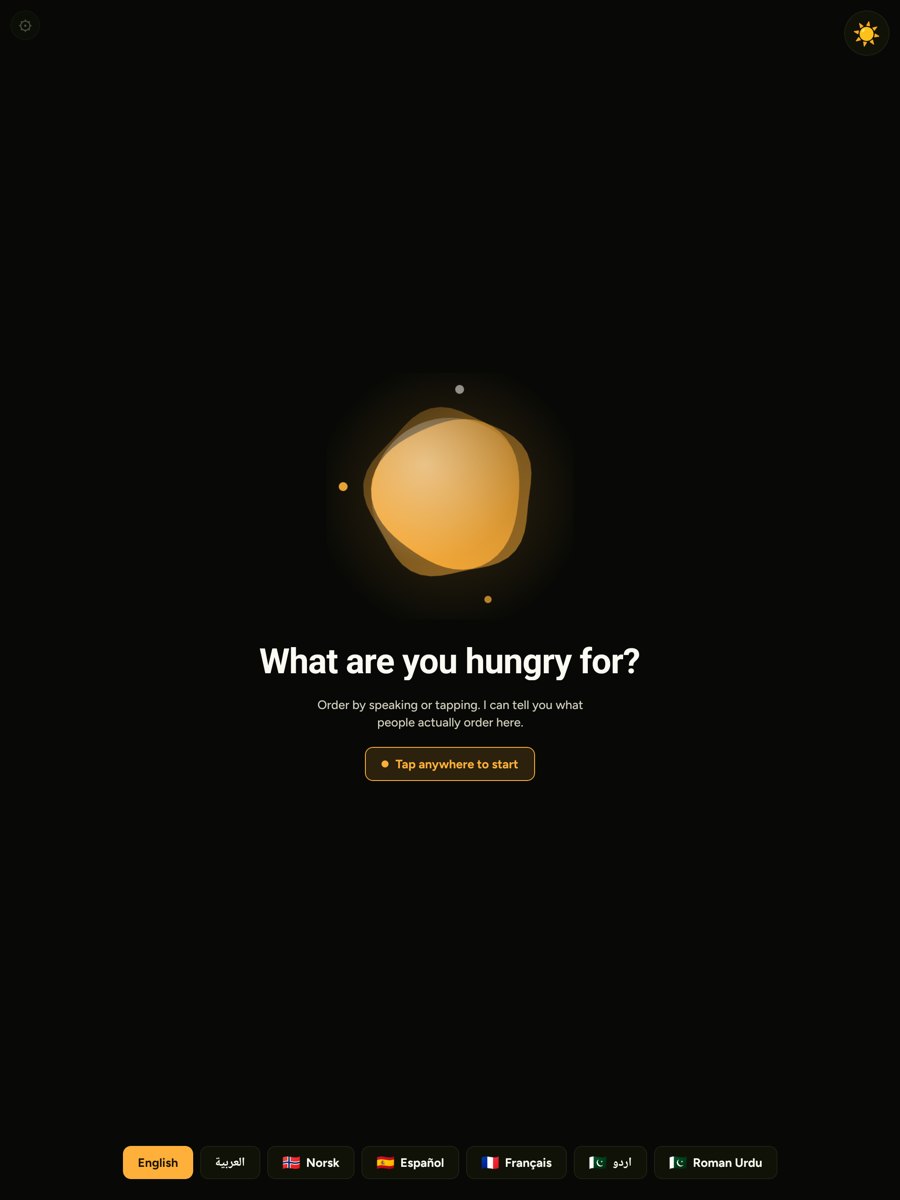
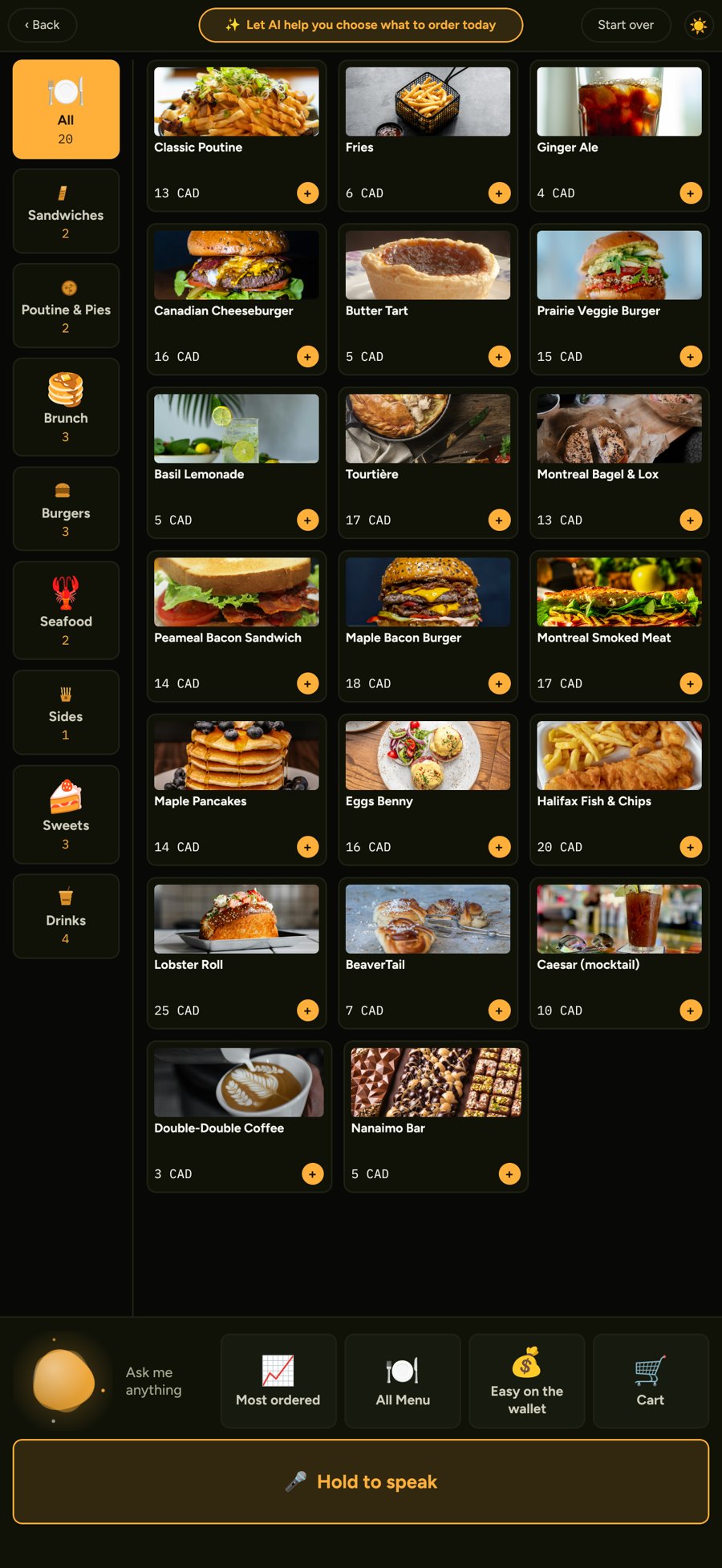
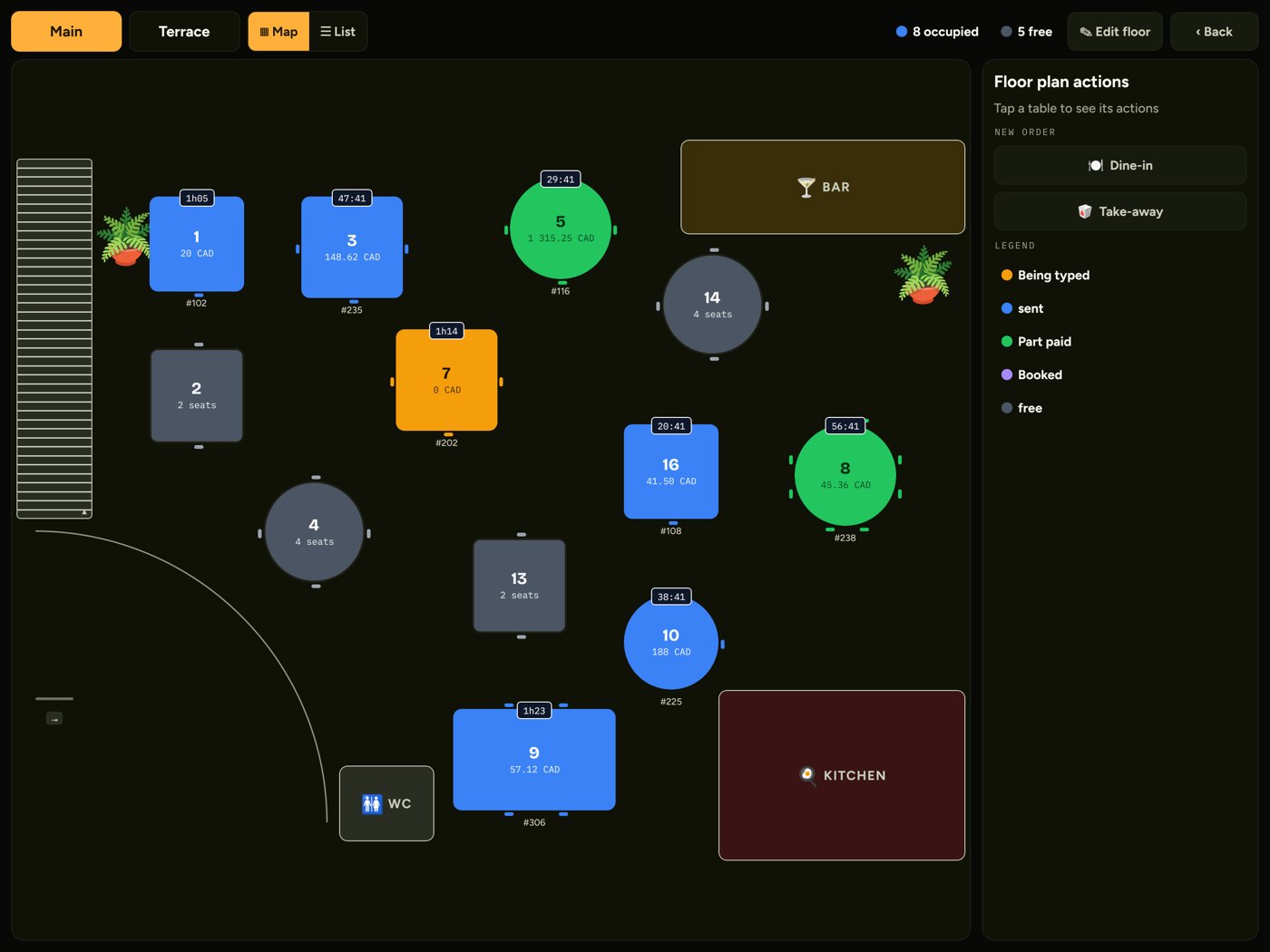
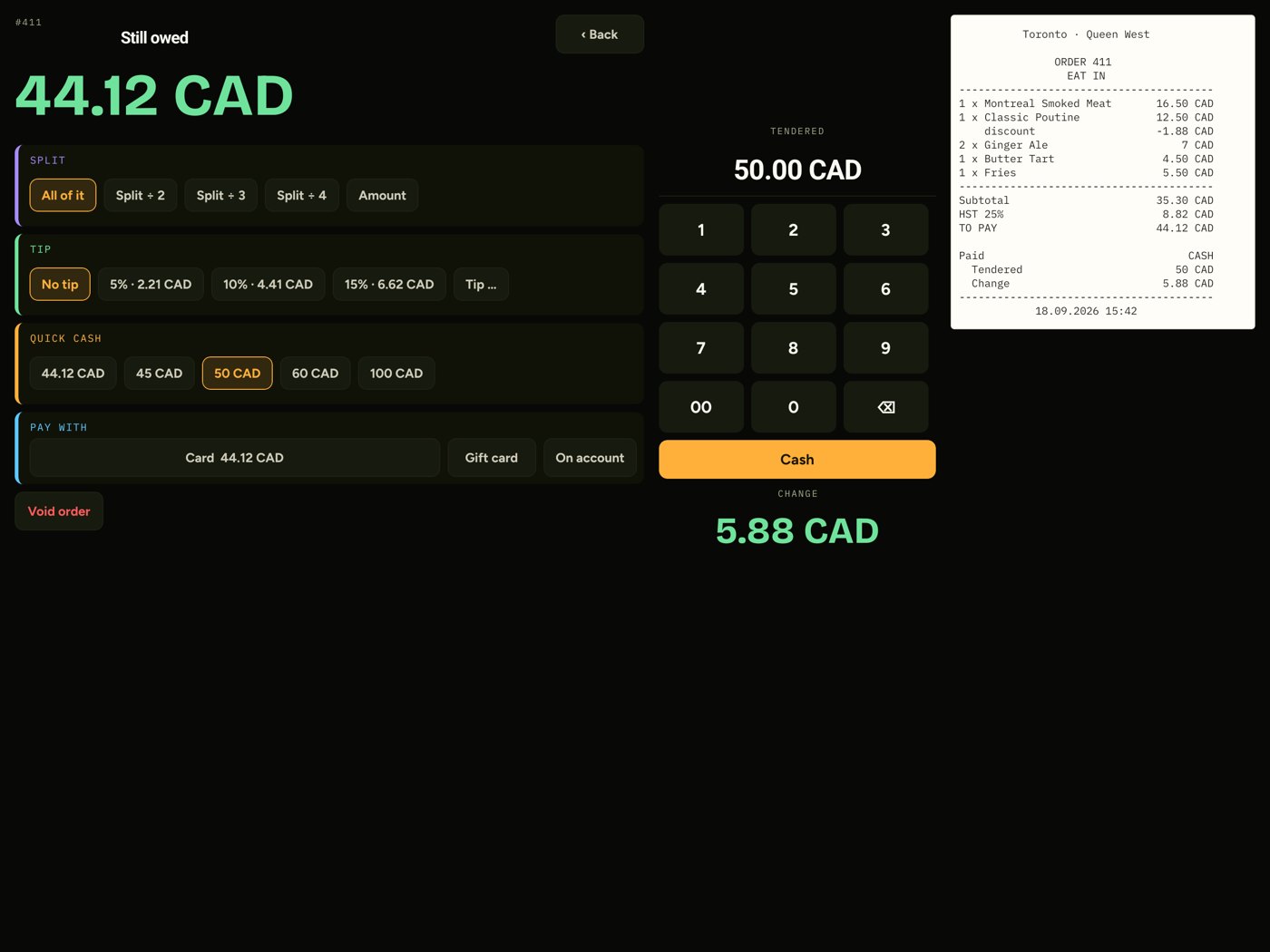
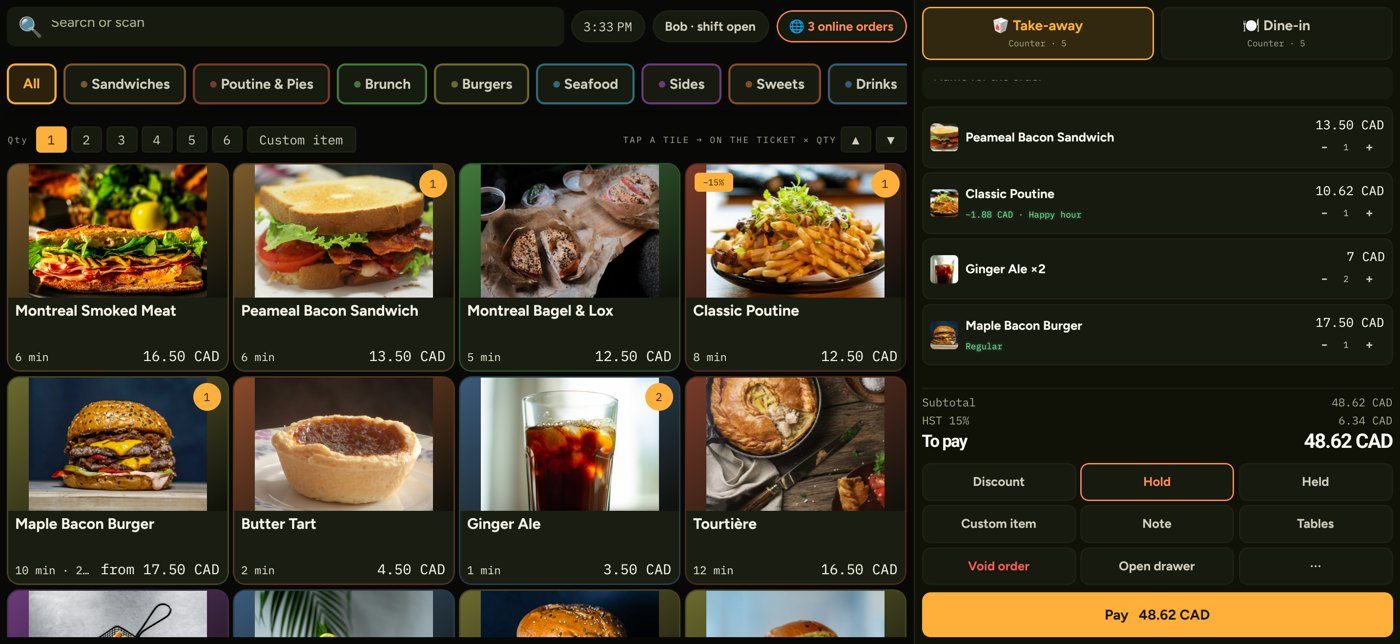
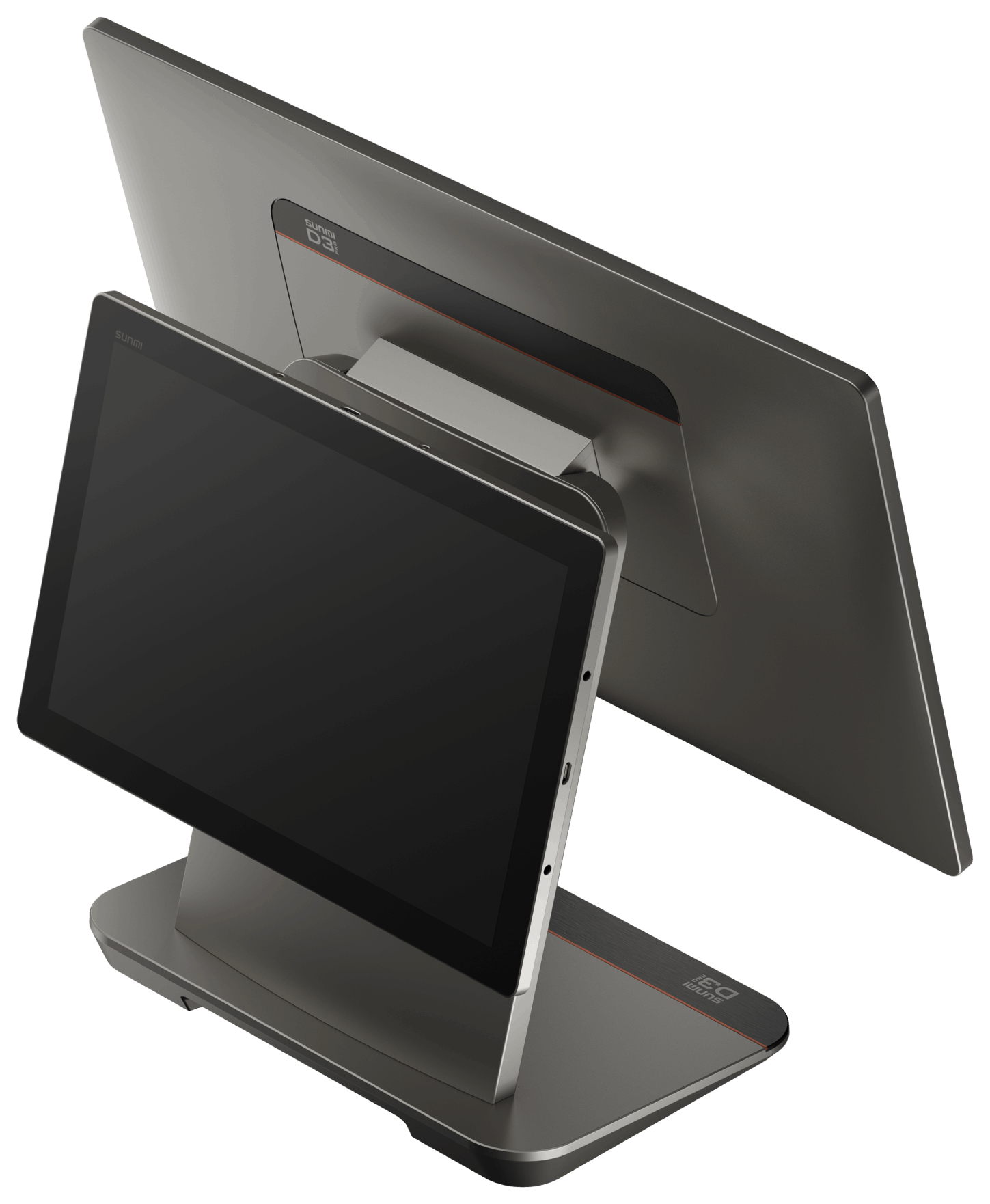
Type your dishes once at buildcafe.hundai.tech. You get a website with online ordering, pickup times and table bookings, and the same menu runs your kiosk, till and kitchen screen. Start free; upgrade when you are ready.
Add your dishes, photos and prices in the free builder.
Online ordering, pickup slots and table bookings, on your own URL.
Scan a code, and the same menu runs your kiosk, till and kitchen.
Free plan: 5 dishes · 30 days · no card required.
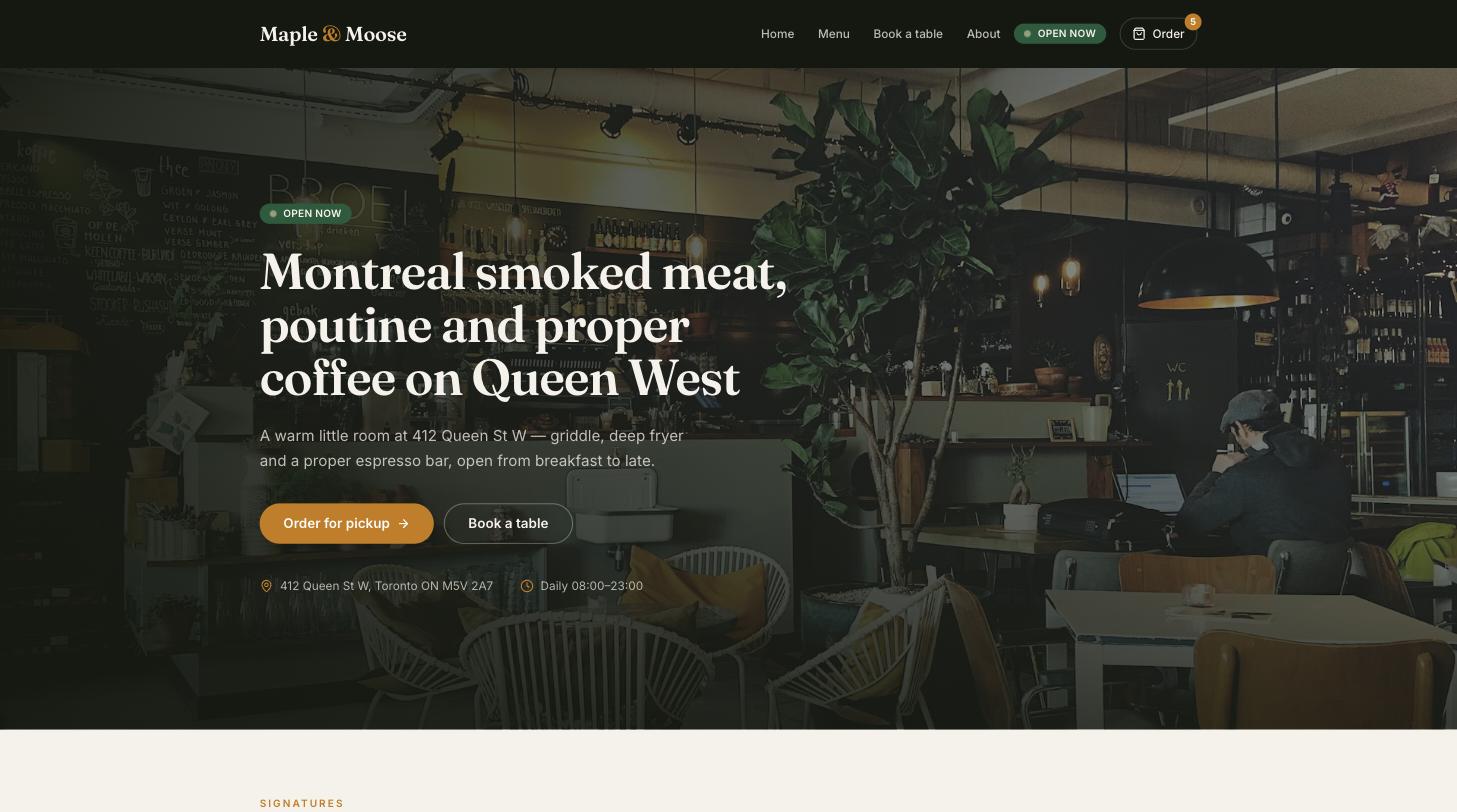
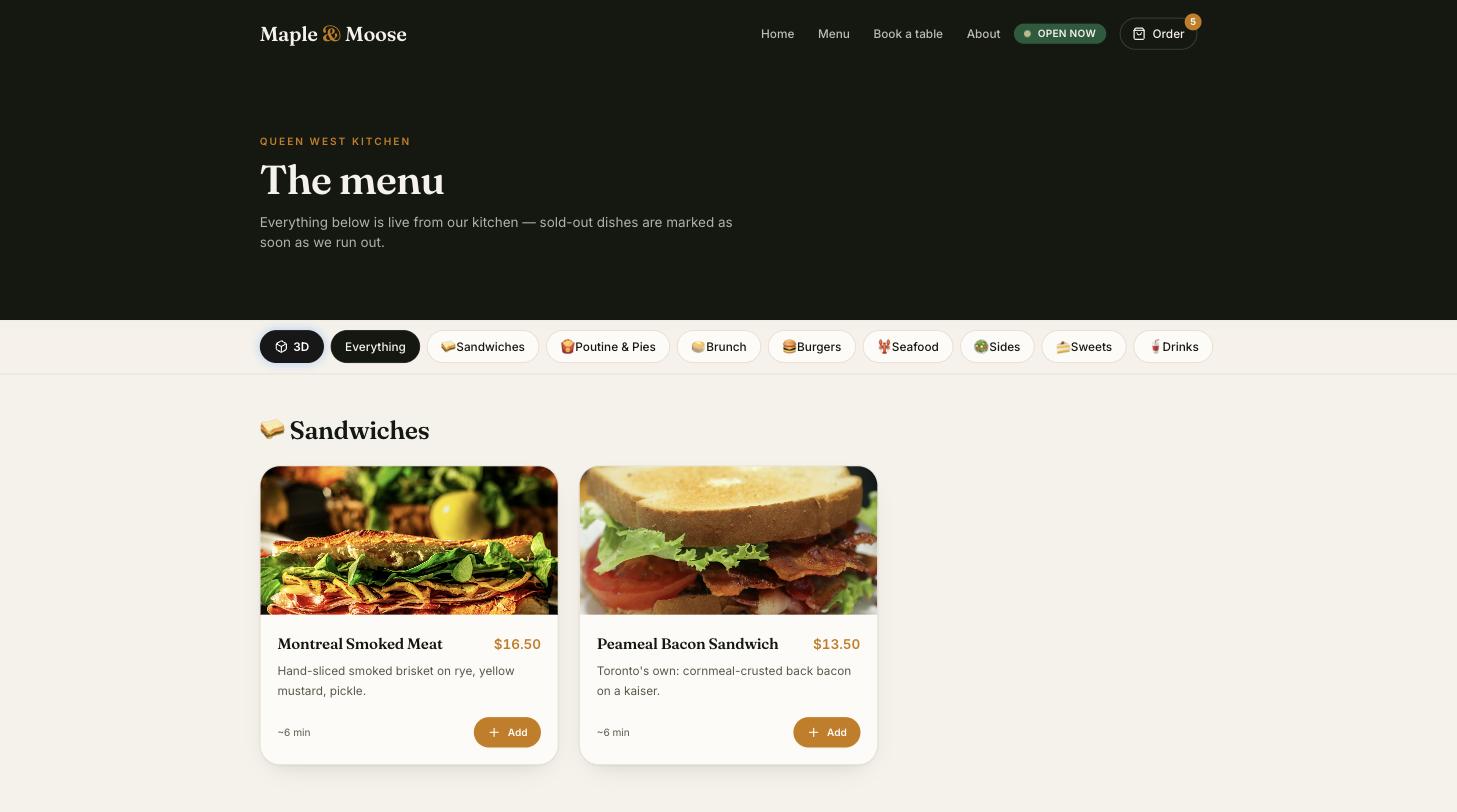
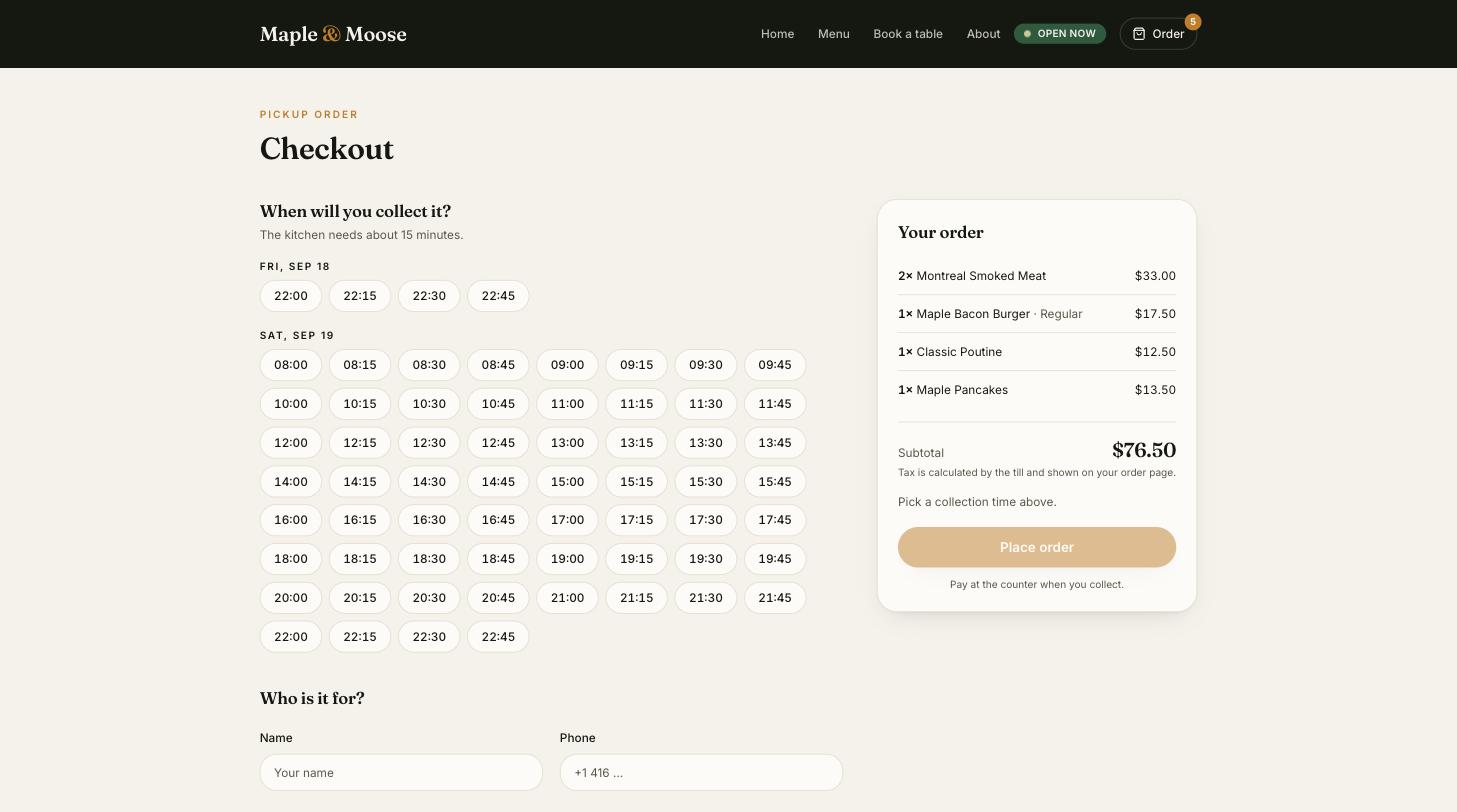
Build your menu and ordering site with our free café website builder.
Set pickup times that work for your counter and kitchen.
Web orders appear beside counter and kiosk orders, on the same till and the same kitchen screen.
Use the App Store for iPad or iPhone, or the APK for Android tablets.
Enter the code from your web back office. The device connects in seconds.
Set each device as a Kiosk, Till or Kitchen screen.
Menu, staff, devices and reports live in the web back office; changes reach every device within a minute.
For trying it out.
For your daily service.
Books that close themselves.
For groups and central kitchens.
Prices per location in USD, billed monthly. Pay yearly and get two months free. Card processing is billed by your payment provider. No setup fee.
| Toast | POS from US$69 / month + Payroll US$69 + US$8 per employee |
|---|---|
| Square for Restaurants | Plus US$69 / month per location, no accounting or payroll |
| Lightspeed Restaurant | US$189 to 399 / month per location, inventory extra |
| Restaurant365 | Accounting + operations from about US$469 / month per location |
| Gusto + QuickBooks | Payroll US$40 + US$6 per employee, accounting from US$35 / month |
| HundteC ERP | USD 159 / month for 3 locations: POS, kiosk, website, stock, purchasing, costing, finance, payroll and sales documents in one app |

HundteC POS is on the App Store for iPad and iPhone. Android tablets install the APK today; the Google Play listing is in review. Back office: kiosk.hundai.tech/admin
A free consultation by phone or WhatsApp. We reply within one business day.